Local video generation,
made easy.

Generate, direct, edit and export with local AI—powered by native MiniMax H3 generation on Apple Silicon.

1:19:1616:9
Scene 01 · Product reveal
Ⅰ◀▶Ⅰ00:00.000 / 00:12.000
Timeline

Drag clips to move · edges to trim · S to split

Magia+V+A
0.0s3s6s9s12s
⠿ VideoMProduct revealHero detail
⠿ OverlayMPRODUCT / 01
⠿ AudioMstudio_roomtone.wav

The model makes a clip.
OpenMagia makes it material.

AI that works
inside the edit.

Magia means magic in Spanish. It is not a chat box beside your video. It understands the creative surface you are already using, builds an editable plan, and leaves every decision in your hands.

Magia

One idea becomes a storyboard.

Set a duration, add Cast, references or a production skill, and Storyboard Magia turns the complete idea into connected scenes with a shared visual direction. Review every scene before generating locally.

Magia

The timeline learns the rhythm.

Timeline Magia studies the whole edit—or one selected clip—and proposes editable transitions, camera motion, color balance, pacing, overlays and audio fades. Remix the plan, then apply only what belongs.

Top features

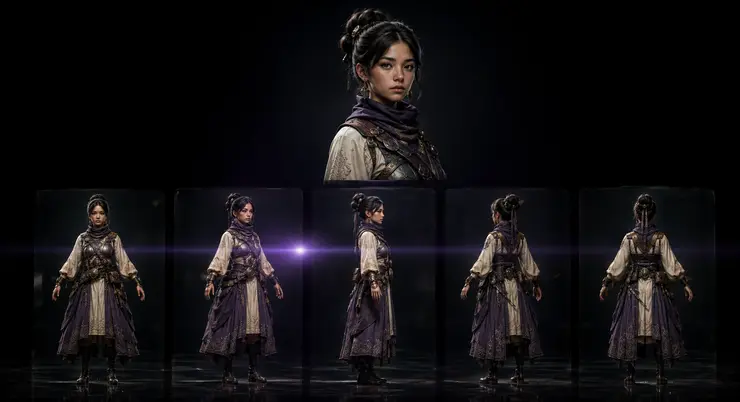
A character portrait presented with consistent front, profile and rear views

One reference.
A complete character.

Add a single image and Compose Character builds a consistent 360° multi-view sheet, ready to reuse across scenes.

A lighthouse interpreted through several distinct visual production styles

A way to make,
already built in.

Choose from thirteen production skills for shorts, product films, typography, animation and more. Each one carries a real workflow—not just a longer prompt.

A visual idea refining from a line of light into a finished cinematic scene

Prompts, mastered
with you.

The optional local refinement model strengthens camera, motion, timing and sound direction while preserving the idea you wrote.

A luminous local model core running on a dark creative workstation

Local generation.
Verified backend.

Run MiniMax H3 locally through the verified native Metal backend on Apple Silicon. Additional runtimes—including CUDA and lower-memory systems—are welcome contributions and will appear only after end-to-end validation.

Plugins take the work
beyond the editor.

The core stays focused. Plugins connect OpenMagia to the tools, people and creative workflows already around you.

A dark glass OpenMagia core extending into luminous plugin pathways

Know when it’s ready.

Send a message the moment a local generation finishes.

Move work forward.

Deliver approved films into the tools, folders and people that need them.

Build what’s missing.

Create new helpers around the editor while its core stays calm.

Generate into the edit

Every finished scene arrives ready to trim, move and connect.

Keep the point of view

Choose a directed workflow instead of rewriting the production brief.

Change the language

Thirteen built-in skills turn an idea into a repeatable way of making.

A story becomes
a sequence.

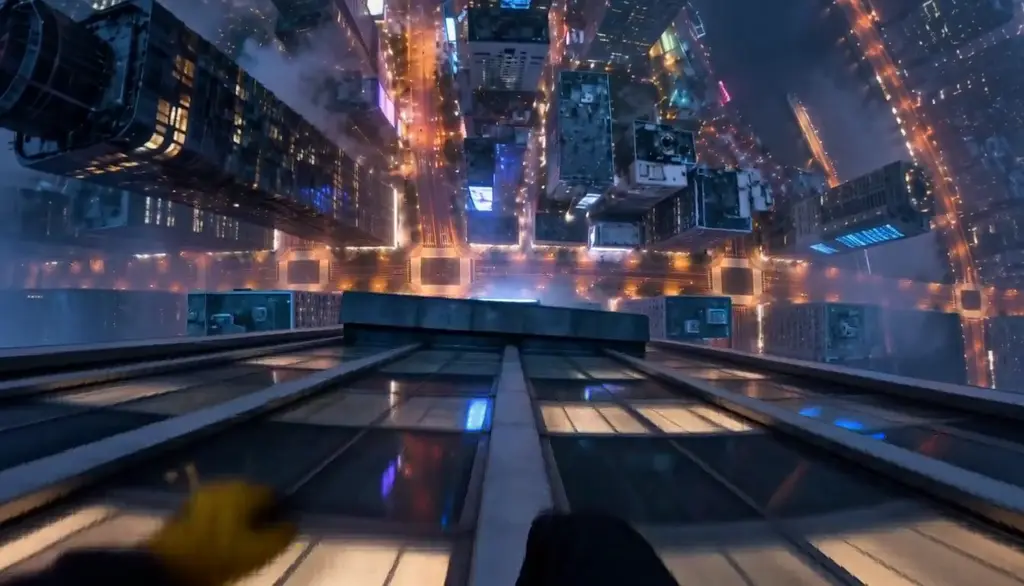
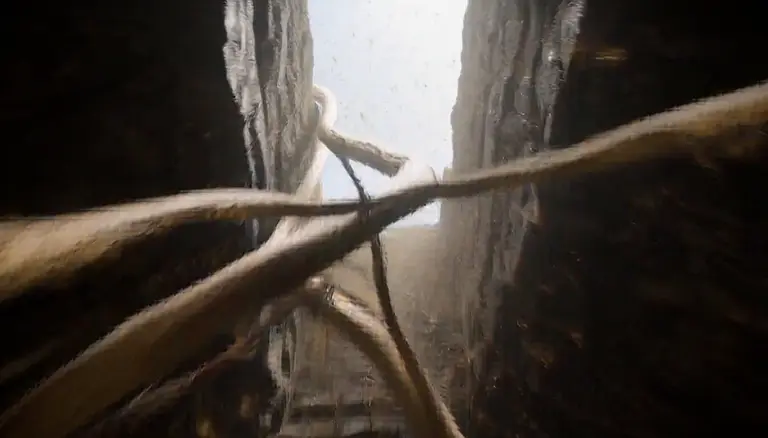
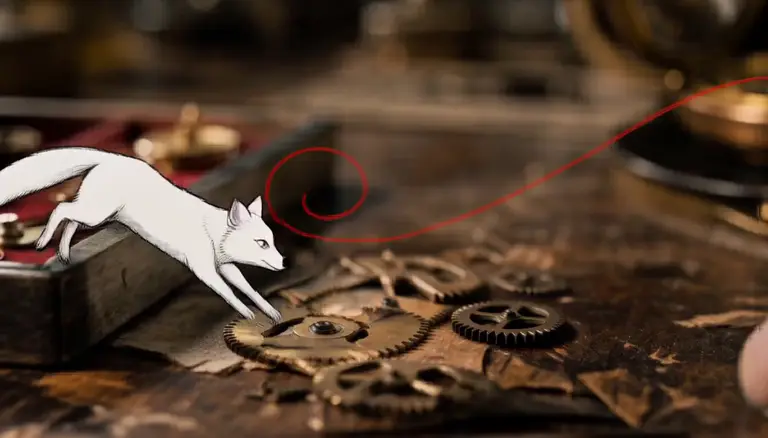
Add scenes as the idea grows. OpenMagia keeps them ordered, carries the final frame forward and gives every result a place on the timeline.

01
02
03
04

I built OpenMagia after more than a decade in design because powerful creative software does not need to feel crowded.

The goal is not to expose every new technology. It is to choose what works, remove the noise and make local generation feel like part of a real creative process.

OpenMagia will grow on a stable cadence, guided by the experience of the people making with it.

Open by default.
Edited with intent.

OpenMagia is an open-source project. Read it, test it, extend it and propose what it could become.

Contributions are welcome, but the product will stay curated. Every addition passes through the same design lens: does it make the creative experience clearer, calmer and more useful?

Contribute on GitHub →

Make something
that moves.

Download OpenMagia
Powered by MiniMax H3.

OpenMagia was made possible by MiniMax sharing H3’s model weights—and by the local runtime work behind h3.c.